
Let shoppers try beauty products live before they buy.
LBW AR Try-On brings browser-based virtual product preview to WooCommerce beauty stores, helping customers test shades and product types with live camera or selfie-based try-on.
This homepage keeps the message clean and sales-focused. The deeper feature breakdown and expanded product details live on the About page.
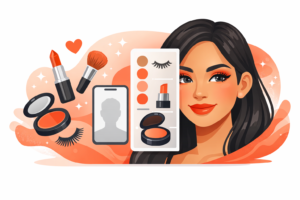
Live Preview
Give shoppers an instant visual product test before they commit to a purchase.
Camera + Selfie
Support both live camera use and image-based testing in one cleaner experience.
WooCommerce Flow
Designed around product pages and a simple path from preview to cart.
Beauty Store Fit
Built to look like part of a professional store, not a dated niche add-on.
A cleaner way to show what your products can do.
LBW AR Try-On helps beauty-focused WooCommerce stores present shades and product categories in a more interactive and useful way.
Instead of asking customers to guess from swatches alone, the demo experience lets them move into a real product preview path.
This homepage keeps the message tight and visual. The About page covers the deeper feature detail, overall product structure, and expanded explanation.
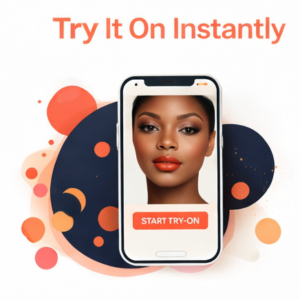
Built to show the product types beauty shoppers actually look for.
The demo site includes individual product pages for lipstick, lip liner, foundation, concealer, eyeshadow, eyeliner, eyelashes, and blush.
Big selling points, kept clean and homepage-friendly.
This page stays focused on the strongest product value points. The fuller feature breakdown belongs on the About page.
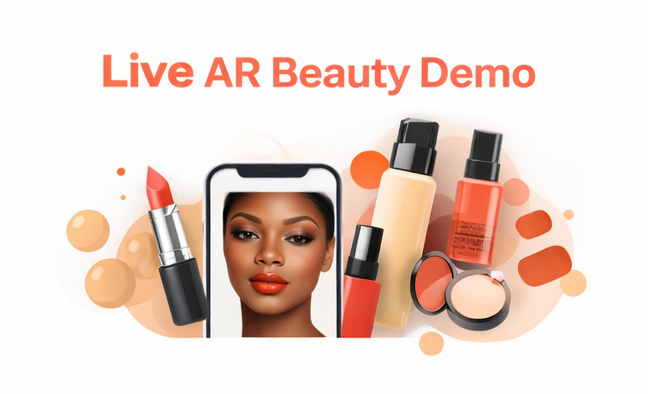
Live AR Beauty Demo
Show customers a practical try-on experience without sending them off to a disconnected third-party tool.
Try It On Instantly
Keep the experience product-driven so users can move from browsing into preview mode with fewer steps.

Selfie Upload Option
Give shoppers another testing path for moments when they do not want to use live camera.
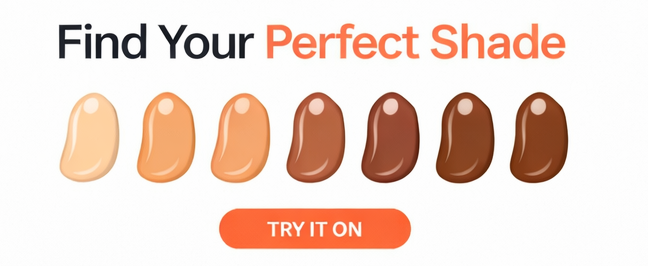
Shade Discovery
Help customers compare looks faster and get closer to the style they want to buy.
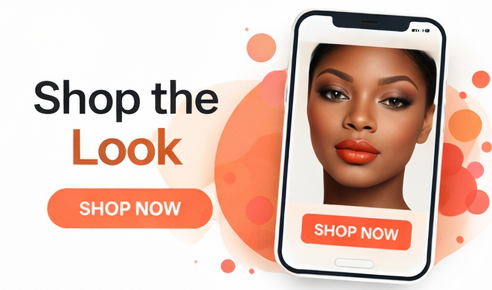
Shop the Look Direction
Keep the site path pointed toward real product exploration instead of novelty interaction alone.
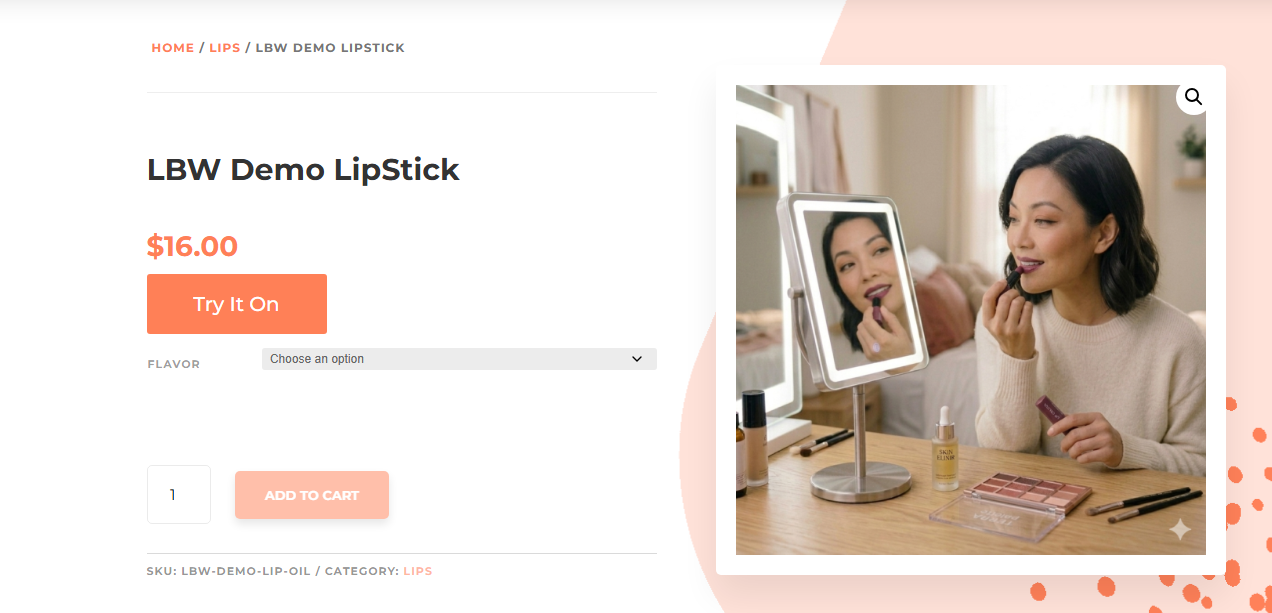
Focused Product Screens
Use product-led try-on screens and category views to keep the experience structured and professional.
Simple flow. Product first. Demo second. Decision faster.
Keep the homepage focused on a clear business-ready process instead of stacking it like an article page.
Open a Product Type
Start from the demo selector or move directly into a supported product page like lipstick, foundation, eyeshadow, eyeliner, lashes, or blush.
Use Camera or Selfie
Launch the try-on and preview the product with live camera or image-based testing, depending on the visitor.
Preview, Compare, Shop
Let the shopper review the look, move through supported options, and continue toward the purchase decision.
A better fit for beauty product presentation online.
This product is meant to support store presentation, product confidence, and a stronger shopping experience.
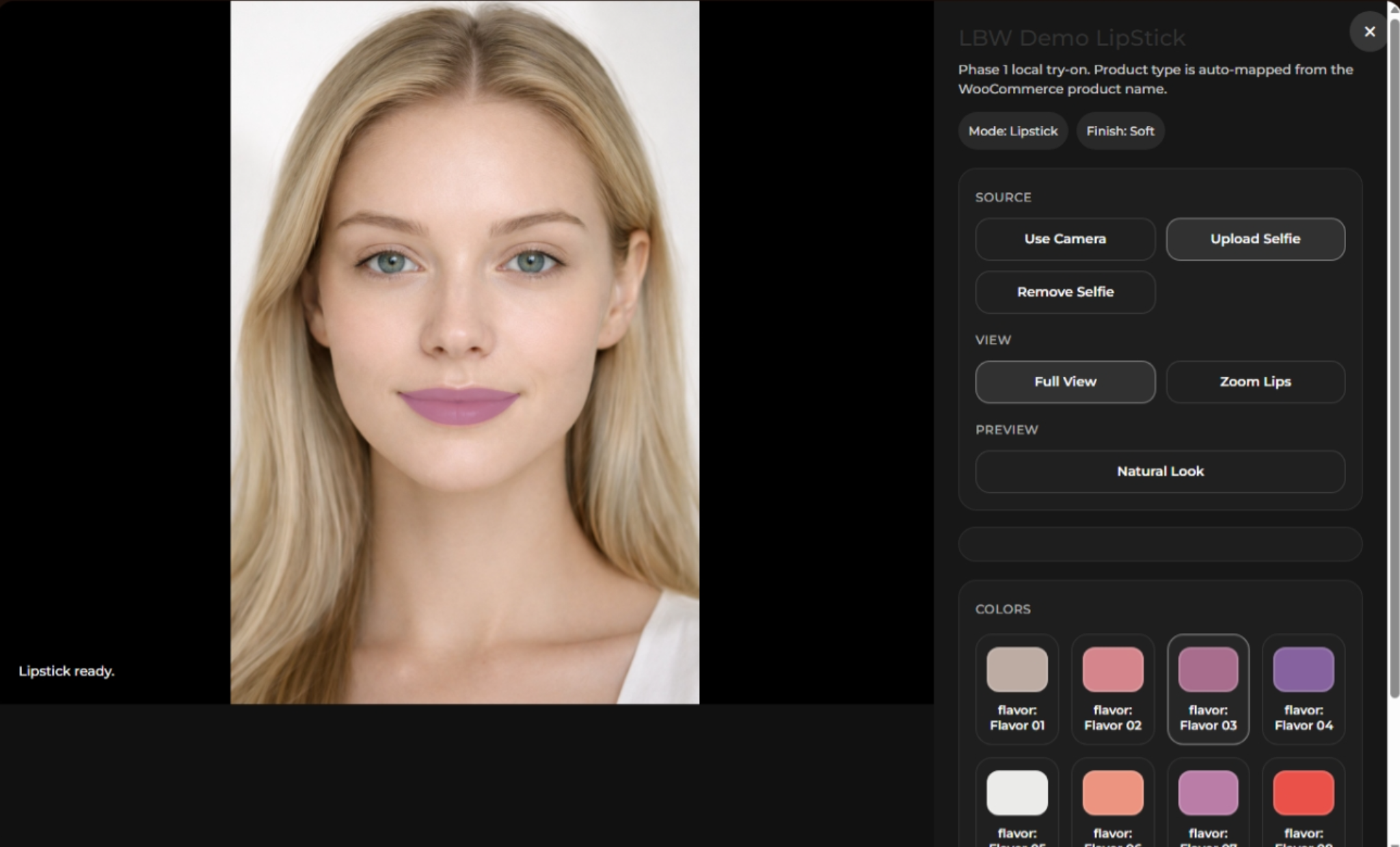
Give beauty sellers a cleaner way to show cosmetic categories visually while keeping the customer inside a WooCommerce-driven product flow.
See the LBW AR Try-On demo in action.
Start with the demo selector to test product types, or go deeper on the About page for the fuller product breakdown and supporting detail.